
We enhanced six pieces of the platform that the people running real deal workflows feel every day. Each one is live now.
10,000-Document Context
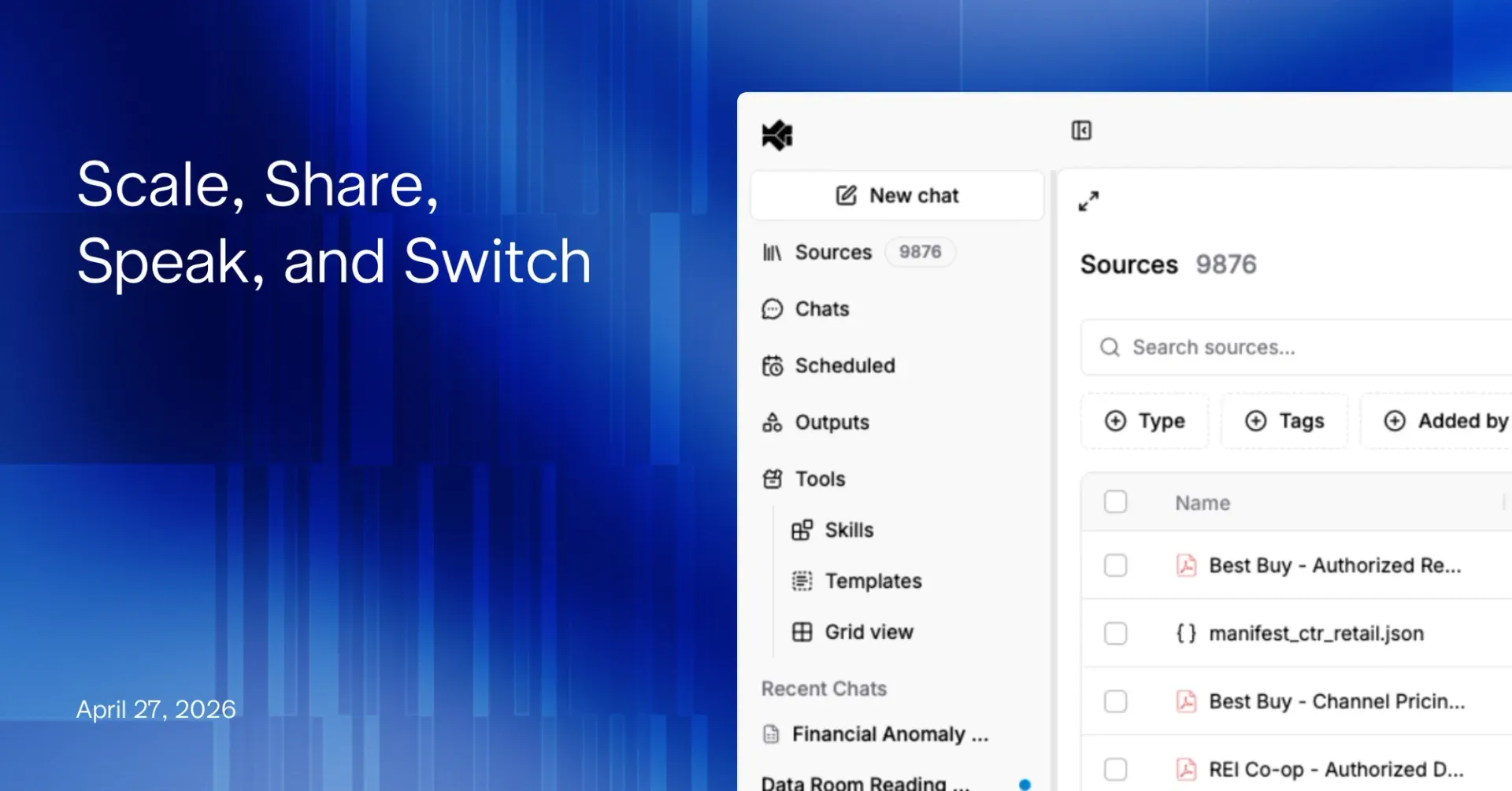
Your workspace now holds up to 10,000 documents—roughly a 500% increase—with no degradation in retrieval quality or agent performance. Full data rooms, multi-year filing histories, and portfolio-wide research archives fit in a single project. The same semantic retrieval, the same field-level citations, the same latency. Just more ground for your agents to cover without splitting work across projects.
Voice Mode
Talk to your agent. Voice mode transcribes your input in real time—ask a follow-up, dictate a deep research prompt, or narrate context while you’re reviewing documents hands-free. The same transcription pipeline also powers audio file uploads: drop in an earnings call recording, a management interview, or an analyst briefing, and your agent gets a navigable transcript it can cite alongside PDFs and spreadsheets.
Public Sharing
Every agent output now has a public share link. Send a finished memo, model, or deck to a colleague, an LP, or a deal partner without asking them to log in. Access is scoped to the specific output—the rest of your workspace, your prompts, and your source documents stay private. Revoke at any time.
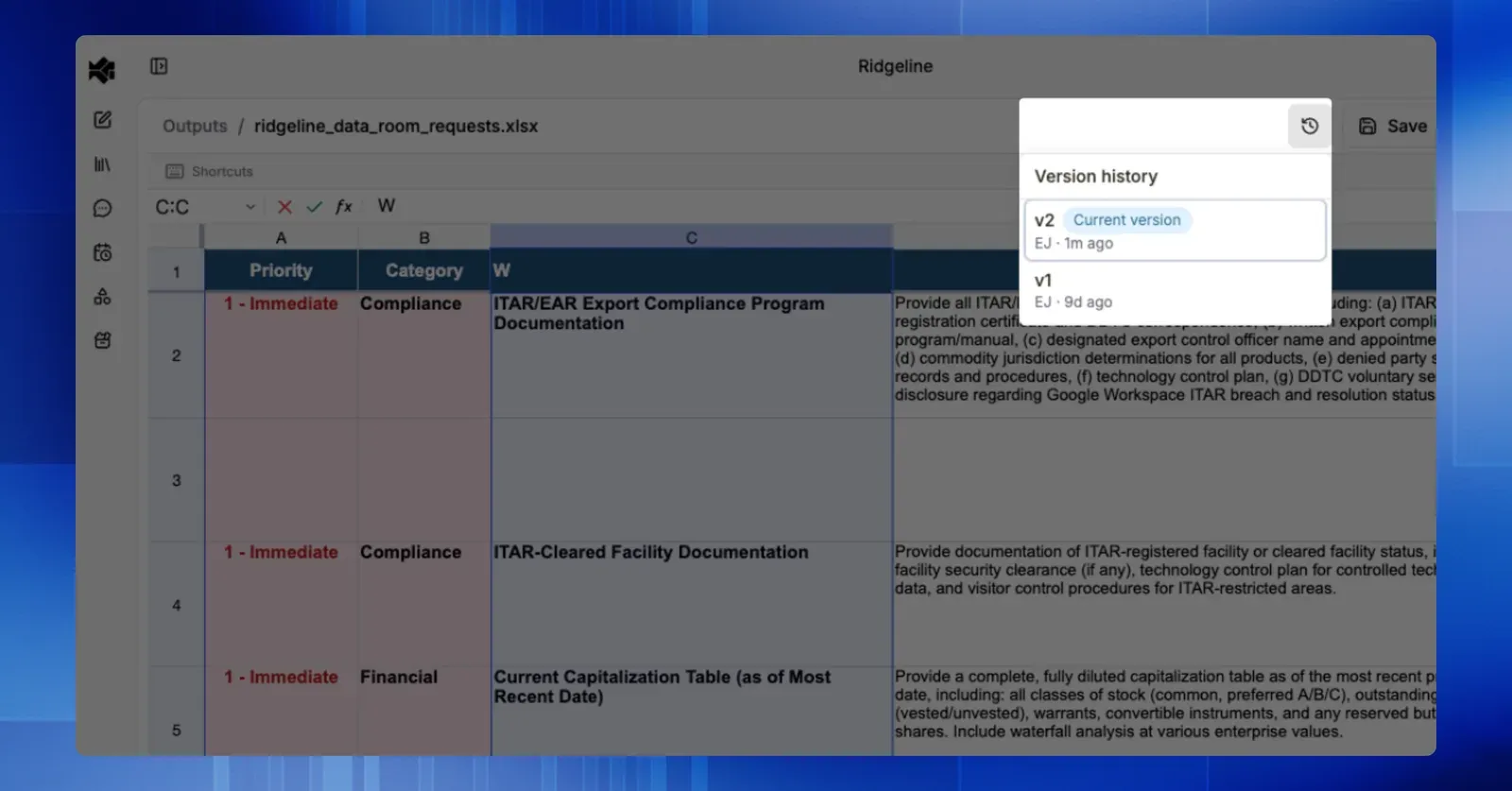
Version Control for Every Deliverable
Word reports, PowerPoint decks, Excel models—every output now has full version history. See who edited what and when, preview any prior version side-by-side with the current one, and restore with a click. Agent edits and regeneration cycles are all captured on an append-only timeline. The new view-then-restore flow means you can explore an old version before committing to bring it back—no accidental overwrites, no lost work.
Native XLSX Editing
Edit Excel outputs directly inside Brightwave. When your agent produces an XLSX model, you can now open it in a full spreadsheet editor in the workspace—type over cells, rewrite formulas, adjust formatting, and add rows—without downloading the file, opening Excel, and re-uploading a revised copy. Formulas recalculate live, named ranges and sheet structure are preserved, and the edited file stays inside Brightwave with its citations and source linkage intact.
Your Excel muscle memory carries over. The editor ships with the keyboard shortcuts analysts use by reflex, so you can drive it without reaching for the mouse:
- Navigation: arrow keys, Tab / Shift+Tab across rows, Enter / Shift+Enter down columns, Ctrl/Cmd+Home and Ctrl/Cmd+End to jump to the corners of a sheet.
- Selection: Shift+arrows to extend a range, Ctrl/Cmd+Shift+arrows to jump to the edge of contiguous data, Ctrl/Cmd+A to select the sheet.
- Editing: F2 (or Enter) to edit the active cell, = to start a formula, Ctrl/Cmd+Z / Ctrl/Cmd+Shift+Z for undo/redo, Delete / Backspace to clear.
- Fill and paste: Ctrl/Cmd+D to fill down, Ctrl/Cmd+R to fill right, Ctrl/Cmd+C / Ctrl/Cmd+V / Ctrl/Cmd+X for copy, paste, cut.
- Structure: Ctrl/Cmd+Shift++ to insert a row or column, Ctrl/Cmd+- to delete, Ctrl/Cmd+S to save a new version.
- Brightwave-specific: Ctrl/Cmd+K opens the agent on the selected range, so you can ask a follow-up about exactly what you’ve highlighted without leaving the sheet.
Every save lands as a new entry on the version timeline, so your manual edits sit alongside agent edits and regenerations in the same history. Hand the file off for a follow-up prompt and the agent picks up from your latest version—no merge step, no “which copy is current” confusion. For teams whose final deliverable is the model itself, this closes the last loop that used to force work back out to the desktop.
Let us know which hotkeys/shortcuts we should add next!
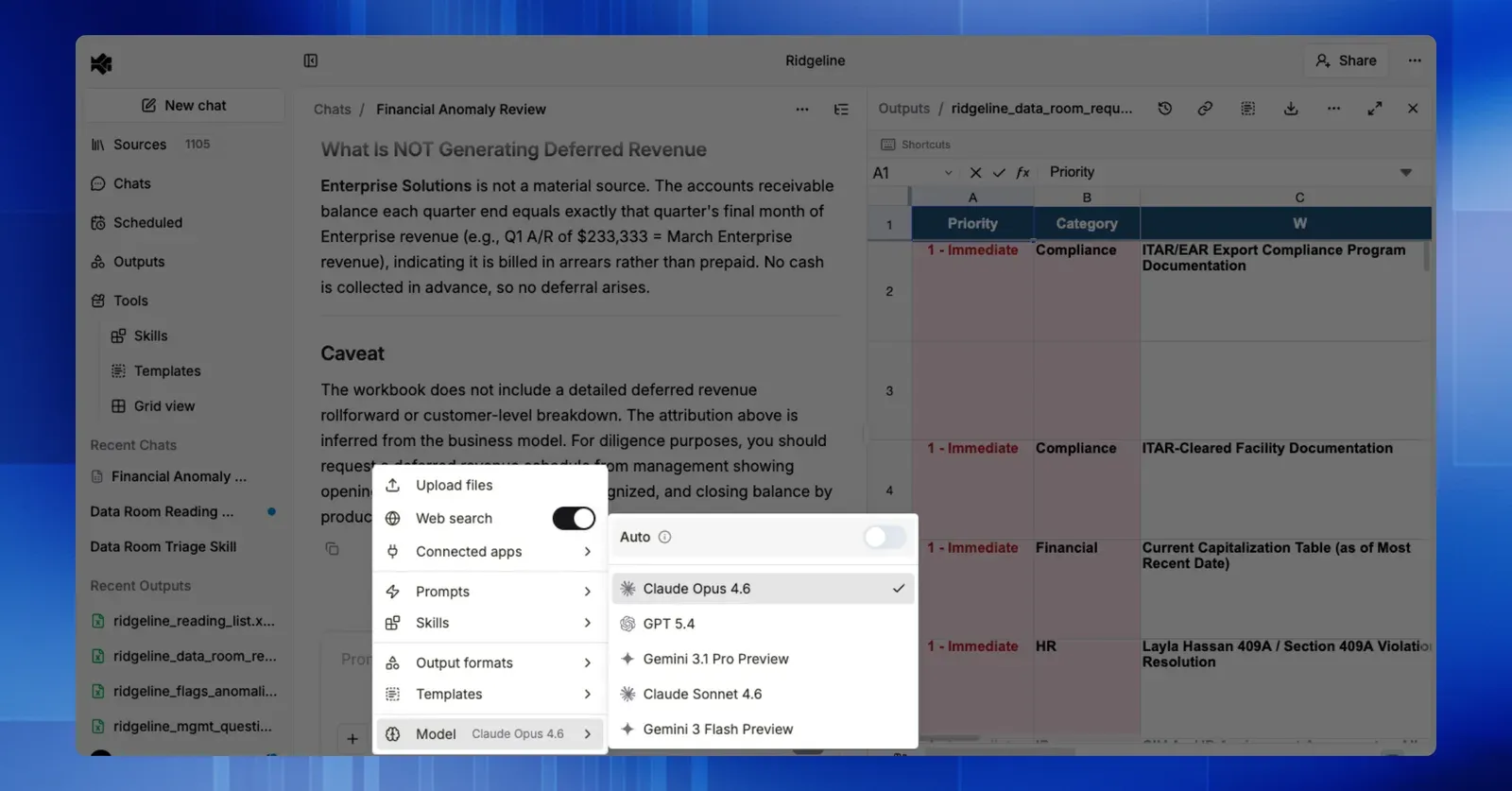
Model Selection
Choose which model is powering your research. Brightwave automatically selects the best engine for each task, so you don’t have to think about it. But if you’d rather pin a thread to Claude, GPT, or Gemini, a single dropdown puts the choice in your hands. Same citations, same security posture, same workflow — now with full visibility into what’s running and the option to take the wheel.
Try It
All five are live today. Reach out if you want a walkthrough on your own workflows—we’ll load up a data room, show you versioning on a real deliverable, and swap models mid-conversation so you can feel the difference.
If you’re not yet on Brightwave, schedule a trial. Bring a messy workflow—we’ll show you what your team gets back.